
AssurMed: easy reimbursement of your medical expenses
Assurmed is the digital platform that ensures fast, efficient and error-free processing of your certificates for outpatient care, such as doctor’s consultations, dentist visits and physiotherapy sessions. On this page, you’ll learn how to activate and use AssurMed to submit your expenses for reimbursement.
How does AssurMed work?
AssurMed is a digital platform launched by Assuralia, the professional organisation of insurance companies in Belgium. Through AssurMed, you can give one-time permission to share your details for processing medical certificates. You can set this up through the free Helena healthcare portal or directly on the AssurMed website. Once you’ve linked your data to AssurMed, your reimbursements will be processed automatically.
How to activate AssurMed?
Giving permission to use your data is easy.
Activation through the AssurMed website
Visit the AssurMed website.
Click ‘Log in’ and identify yourself using itsme® or a digital card reader.
Give permission to share your details with AssurMed. (You can withdraw this permission at any time.)
Done! You can now start using AssurMed.
Activation through Helena
Visit the Helena website.
Click ‘Log in’ and identify yourself using itsme® or a digital card reader.
In the platform, go to ‘Reimbursements’ and select your insurance provider.
Select ‘Vanbreda Risk & Benefits’ and enter your 010 number. You can find this number on your digital Medi-Link card in the Vanbreda App.
Enter your date of birth and address details, then click ‘Save’.
Done! You can now start using AssurMed. (You can withdraw your permission to share your details at any time.)
How to submit expenses via AssurMed?
Once you’ve activated AssurMed, you can start submitting expenses.
Please note: you can only submit expenses for treatment or services rendered after activating AssurMed.
Submitting expenses through the Helena platform is easy. In the Helena platform, go to ‘Documents’ and select the file you wish to submit. Then, click ‘Request reimbursement’. You can easily track the status of your reimbursement through Helena. Once reimbursed, the expense will appear in your Vanbreda App.
Share this article
Koenraad Heijlen
Transformation Manager
Did you find this a useful item?
No
Yes
Articles
Maybe these are something for you
We provide recommendations based on your recent actions on our site:
Digital
5 min read
December release update
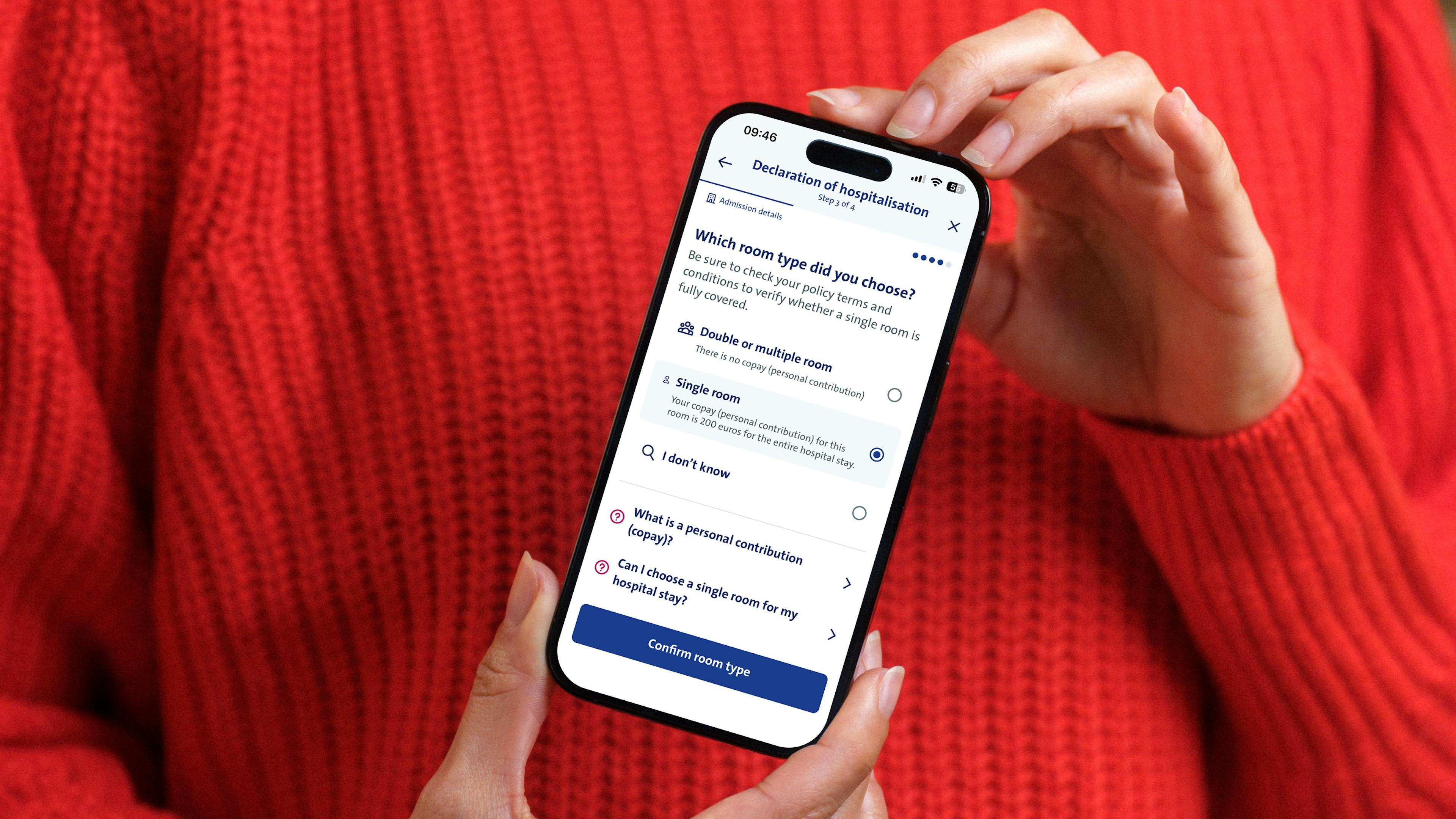
We've launched a redesigned website with clear, relevant content and improved our declaration process to remove unnecessary steps for our customers & insured.

Outpatient care
4 min read
Physiotherapist visits
Do you need physiotherapy treatment following a hospital stay? On this page, you’ll find out how to easily submit your expense.

Family & Life
3 min read
Pregnancy and childbirth
On this page you’ll find out how Vanbreda can support you and what you need to do to ensure your costs are reimbursed smoothly.
Find answers to all your questions.
Take a look at our knowledge center, here you can find the most frequently asked questions.